How to Create a Junction Table in Airtable
Use a junction table when the relationship between two tables needs its own fields.
Take an Orders table and a Products table. One order can contain several products, and the same product can appear in many orders. If you need to record the quantity or price for each product in each order, create a third table called Order items.
Each Order items record will represent one product in one order. That is the whole idea behind a junction table.
Create the Order items table
Create a new table called Order items with these fields:
| Field | Type | What it stores |
|---|---|---|
| Order | Linked record to Orders | The order containing the product |
| Product | Linked record to Products | The product in the order |
| Quantity | Number | The number of units |
| Unit price | Currency | The price charged for one unit |
| Line total | Formula | The quantity multiplied by the unit price |
For the Order and Product fields, choose Link to another record and select the matching table.
If Order 1001 contains two chairs and one lamp, add two records to Order items:
| Order | Product | Quantity |
|---|---|---|
| Order 1001 | Chair | 2 |
| Order 1001 | Lamp | 1 |
The Orders and Products tables keep the main information. Order items stores the quantity and price for each product in each order.
Calculate the totals
In the Line total formula field, multiply the quantity by the unit price:
{Quantity} * {Unit price}
Then open Orders and add a rollup field based on its linked Order items records. Configure it to sum the Line total values. Airtable will then show the total for each order.
Create the records
Each product in an order needs its own Order items record. For a small number of orders, create those records yourself by choosing the order, choosing the product, and entering the quantity and price.
If someone submits one form with several products, Airtable creates one order record with all of those products selected. An automation can then create one Order items record for each product, so each one has its own quantity, price, or status.
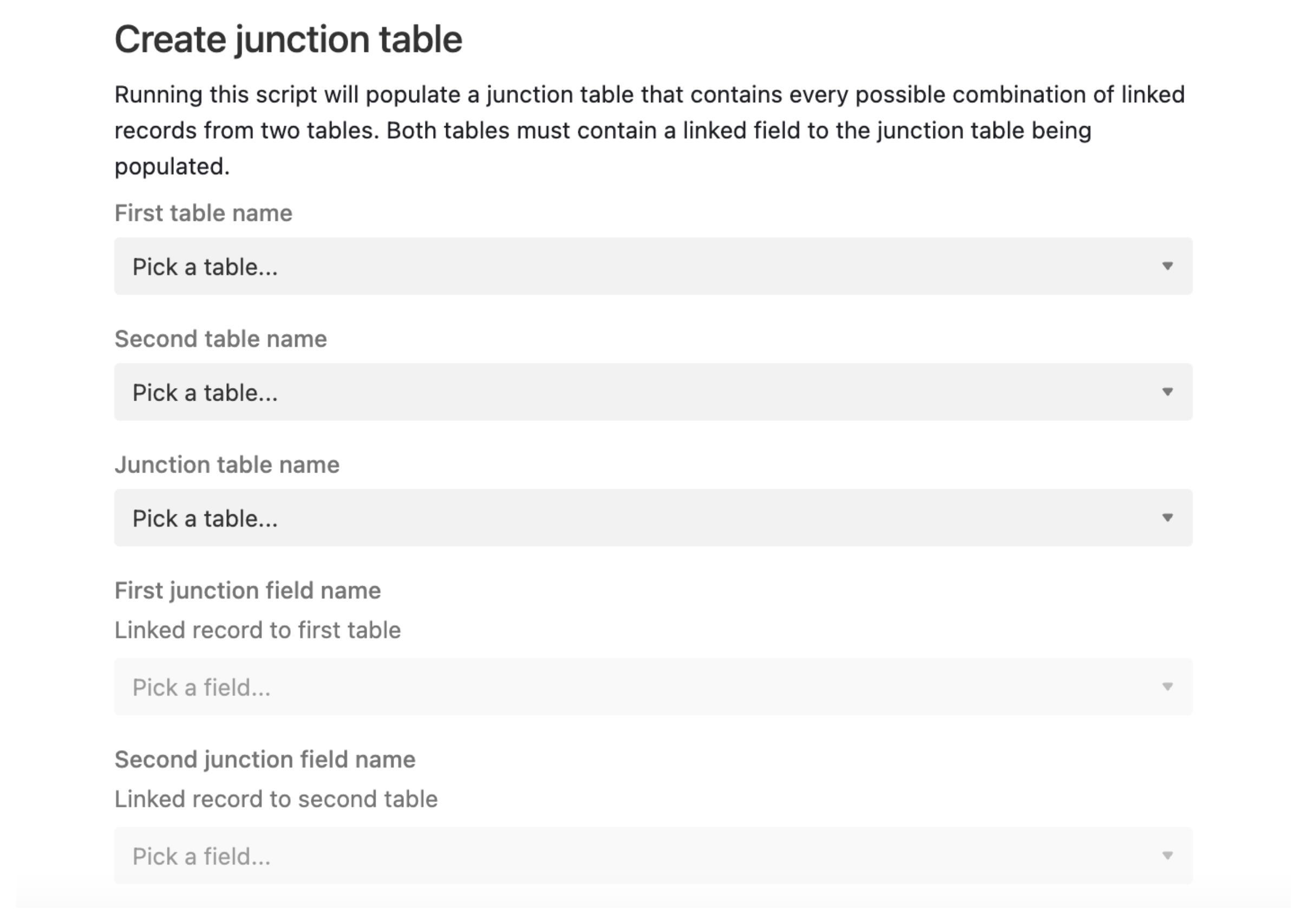
For a large number of selected combinations, Junction Assistant can create the linked records in bulk. If you need every possible combination between two tables, use Airtable’s Junction Table Script. Airtable extensions require a paid plan.
The same structure works for people and events, students and courses, or projects and inventory. For a people-and-events example, see how to link people to events in Airtable without duplicating records.