How to Keep Old Sales Records Accurate When Product Prices Change in Airtable
If a product costs $30 today and $35 next month, an old sale should still show the price the customer paid. A lookup field will not do that by itself because it always follows the current value in the linked product record.
The fix is to keep the lookup for the current price and copy that value into a regular currency field when the sale is created. That copied value becomes the price for the transaction.
The example uses a clothing store. A shirt costs $30 when the customer buys it, then the price changes to $35 later.
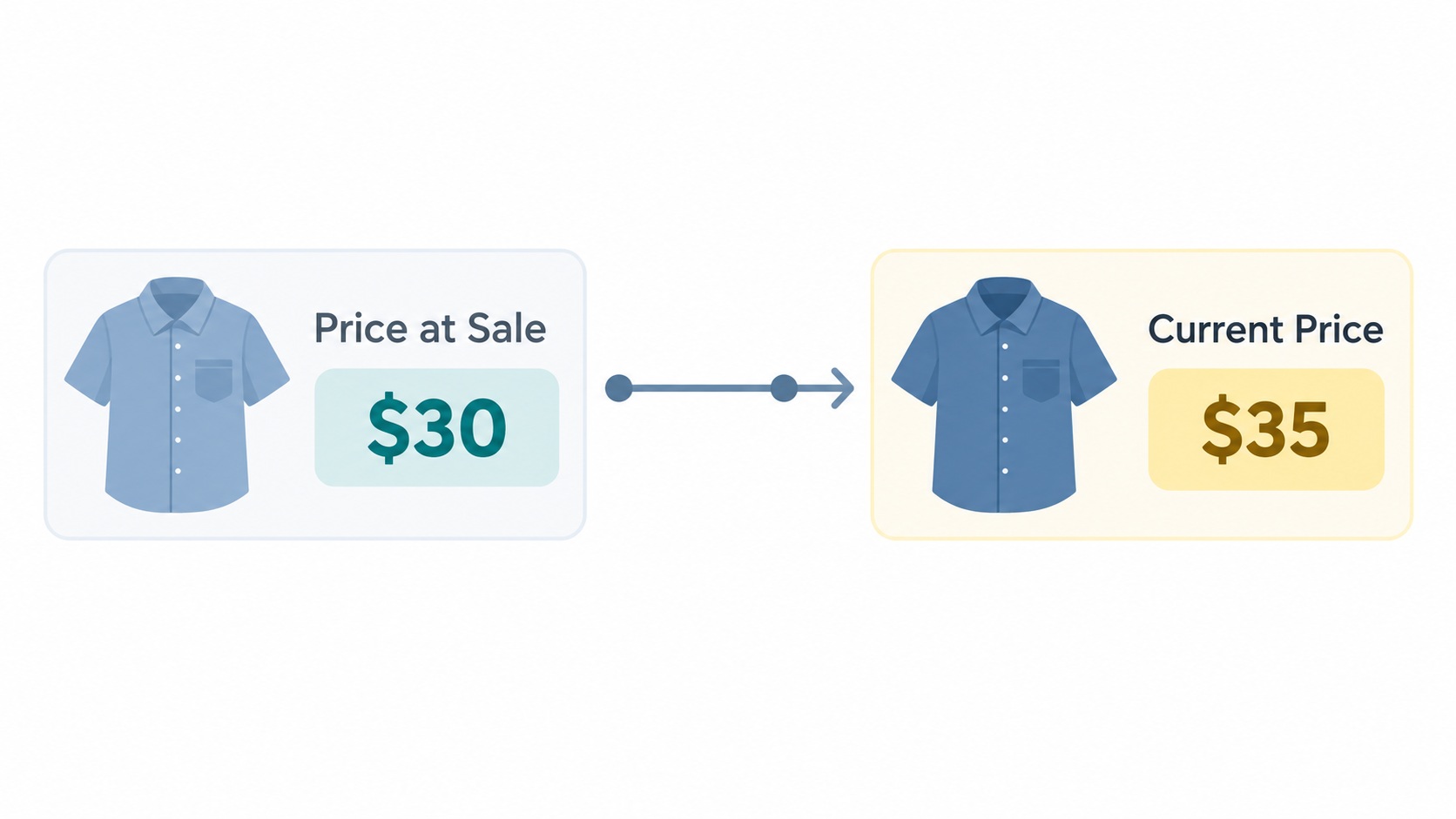
Add a field for the sale price
In Products, keep the current Price field.
In Sales, keep the linked Product field and add a lookup that brings in the product's current price. Name it Current Price.
Now add a regular Currency field called Price at Sale. This is the value your reports should use because it will not change when the product record changes.
If the customer paid a negotiated price or used a discount, capture the final amount they paid in Price at Sale instead of copying the catalog price unchanged.
Copy the price when the sale is created
Create an automation with the When record matches conditions trigger in the Sales table.
Set the conditions to:
- Product is not empty
- Price at Sale is empty
- Current Price is not empty
The third condition makes sure the lookup has a value before Airtable copies it.
Add an Update record action. Choose Sales as the table, insert the triggering record's Record ID, and set Price at Sale to the value from Current Price.
The workflow is:
Product selected → Current Price lookup filled → Price at Sale saved
The automation will not copy the price again after Price at Sale has a value.
Use the saved price in your reports
Use Price at Sale for revenue calculations, invoices, rollups, charts, and other reports about the transaction.
For example, add a formula field called Line Total:
{Quantity} * {Price at Sale}
You can keep Current Price on the record when you want to compare the old sale price with the product's price today. Do not use it for historical revenue.
What happens after the price changes?
The shirt sale keeps its original values:
| Field | At the time of sale | After the product price changes |
|---|---|---|
| Current Price | $30 | $35 |
| Price at Sale | $30 | $30 |
The lookup changes because it reads from Products. The regular currency field stays at $30, so the old sale remains accurate.
If you need help setting up linked records and lookup fields, see how to auto-fill item details from another table in Airtable.
What about old sales that have already changed?
The automation can protect new sales, but it cannot recover an old price that was never stored. For those records, check an invoice, payment system, export, or another source that contains the original amount and enter it into Price at Sale.
This same pattern works for historical costs, commission rates, hourly rates, discounts, and tax rates. Store the value used for the transaction in a regular field instead of relying on a lookup that continues to follow the current source record.