How to Fix the "Refresh Page to Submit Form" Error in Airtable (2 Fixes)
If you are using Airtable Interface forms and running into the "Refresh Page to Submit Form" error, you are not alone.
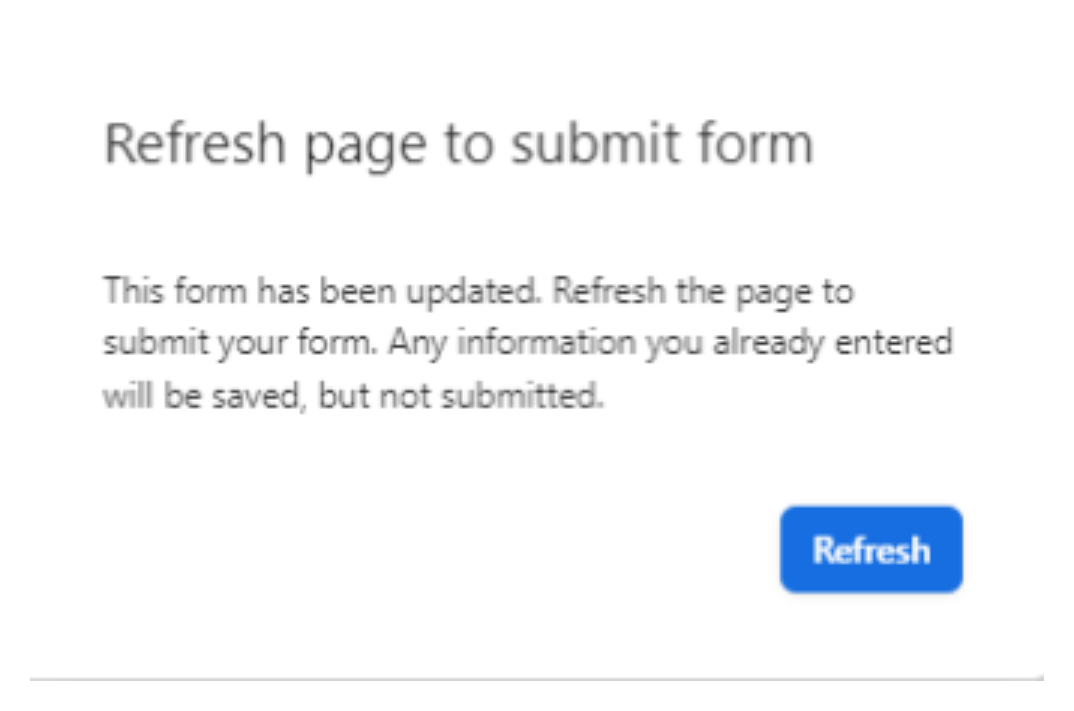
You might see this error every single time you try to submit a form, even after:
-
Refreshing the page
-
Clearing your browser cache
-
Restarting the browser
-
Signing out and back into Airtable
-
Trying from an incognito window
The strange part? The same form works perfectly fine for other users on different computers. This is a well-known bug, and many Airtable users have run into it. Here are the two known causes and how to fix them.
1. Permission Issues (Most Common Cause)
This is the most frequent cause of this error.
Airtable treats form submissions as record creation actions. If the user submitting the form does not have permission to create records in the underlying base, the submission fails silently with this error instead of showing a clear permission message.
This affects:
-
Anonymous users who are not signed in
-
Signed-in users with read-only access
-
Users with Commenter access — this one surprises people. Commenters can view the base but cannot create records, so form submissions fail even though they appear to have access.
Fix: Go to your form's share settings and change the access to "Anyone on the web." Turn off the "Track submitter" option.
If you need to restrict submissions to your company, use the "Limit to email domain" option instead. This lets you require users to be signed in with a specific email domain (for example, @yourcompany.com), which gives them the right level of access without the permission conflict.
2. Conditional Field Errors
If your form uses conditional visibility and one of the conditions refers to a deleted or renamed field, the form breaks silently.
Fix: Open the form in the Interface Designer. Click through every field that has conditional visibility and look for an "Invalid condition" warning.
Fix or delete the broken condition, then republish the form. Check all conditional fields, as there can be more than one broken condition.
Quick Diagnosis Checklist
Before contacting Airtable support, run through these:
-
Is the form set to "Anyone on the web"? If not, change it.
-
Do affected users have Commenter or read-only access? If so, that is the issue.
-
Are there any conditional fields with "Invalid condition" errors? Fix and republish.
Still Stuck?
If you are still stuck, you can try reaching out to Airtable support to see if they can help resolve the issue.
But if that does not work and the problem continues, a better option is to switch to Fillout.
Fillout is a powerful form builder that integrates smoothly with Airtable, offers much better control over permissions, and avoids many of the issues users often face with Interface forms.
It also has a generous free plan that gives you access to most features. You can try it out at no cost, and upgrade later only if you need additional functionality.
It is a simple and reliable alternative worth exploring.