3 Ways to Alert Your Team About New Tasks Inside Airtable
You are using Airtable to manage your projects, and now you want a simple way to notify your team when you assign a task to them.
So you start wondering what options you have and what other Airtable users usually do in this situation.
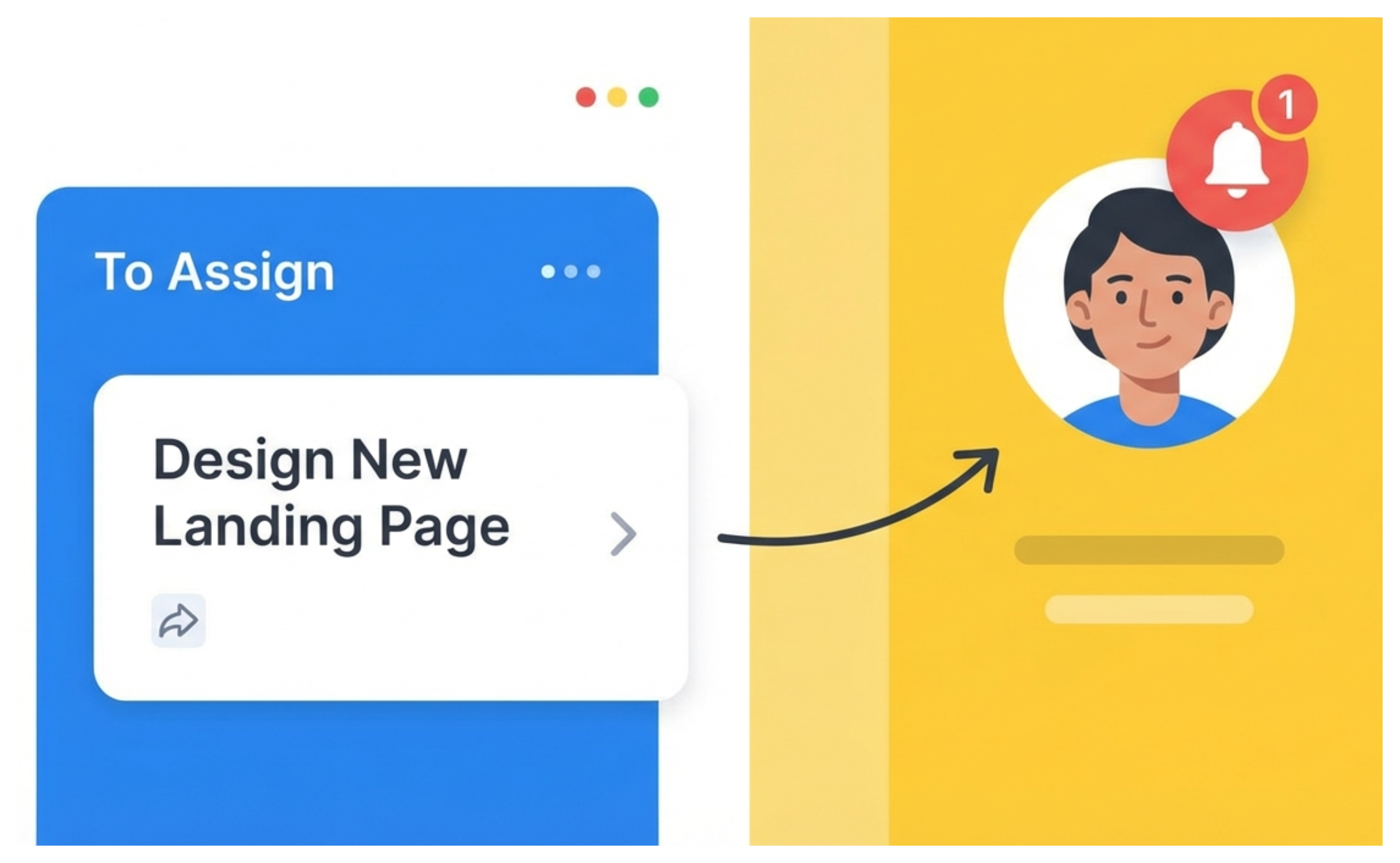
In this article, you will see the most common ways people notify their team members inside Airtable. You can look at each option, understand how it works, and then choose the one that fits your workflow the best.
1. Use the User Field
The simplest way to notify someone that a task has been assigned to them is by using a user field.
When you select a person in that field, Airtable handles the notification automatically and sends alerts through email, mobile push notifications, and the bell icon inside the app.
2. Use Automation to send Emails or Slack Messages
If you want something more custom and based on how you prefer to notify your team, you can build an automation. This lets you send an email or a Slack message whenever a task is assigned to someone.
You set the trigger to run when a record is updated, and then point it to your user field so Airtable knows what to monitor. When you assign a person in that field, the automation fires and sends the message.
You can write your own email text or Slack message format, add extra details from the record, and customize the entire experience.
If you want a walkthrough on setting up this type of automation, you can check this article I have written for step by step instructions.
3. Build a Team Dashboard With Interfaces
You can also approach the problem in a completely different way. Instead of sending notifications, you build an interface for your team where they filter tasks by their own name. This gives every person a personal dashboard they can check anytime.
You are not sending messages or triggering alerts. Instead, your team checks their dashboard to see what has been assigned to them.
This works best when your team prefers to pull information instead of receiving constant updates.
Choosing the Right Method
All three options work. You can rely on Airtable’s built in notifications, use automations to send more custom emails or messages, or create an interface that lets your team check their own tasks.
Choose the approach that feels most natural for how your team prefers to work each day.